Google Cricket

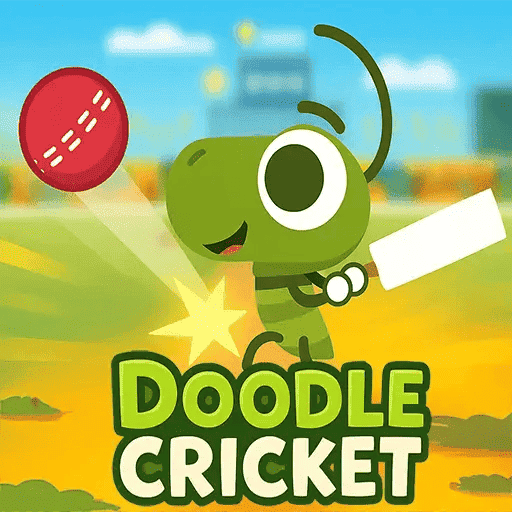
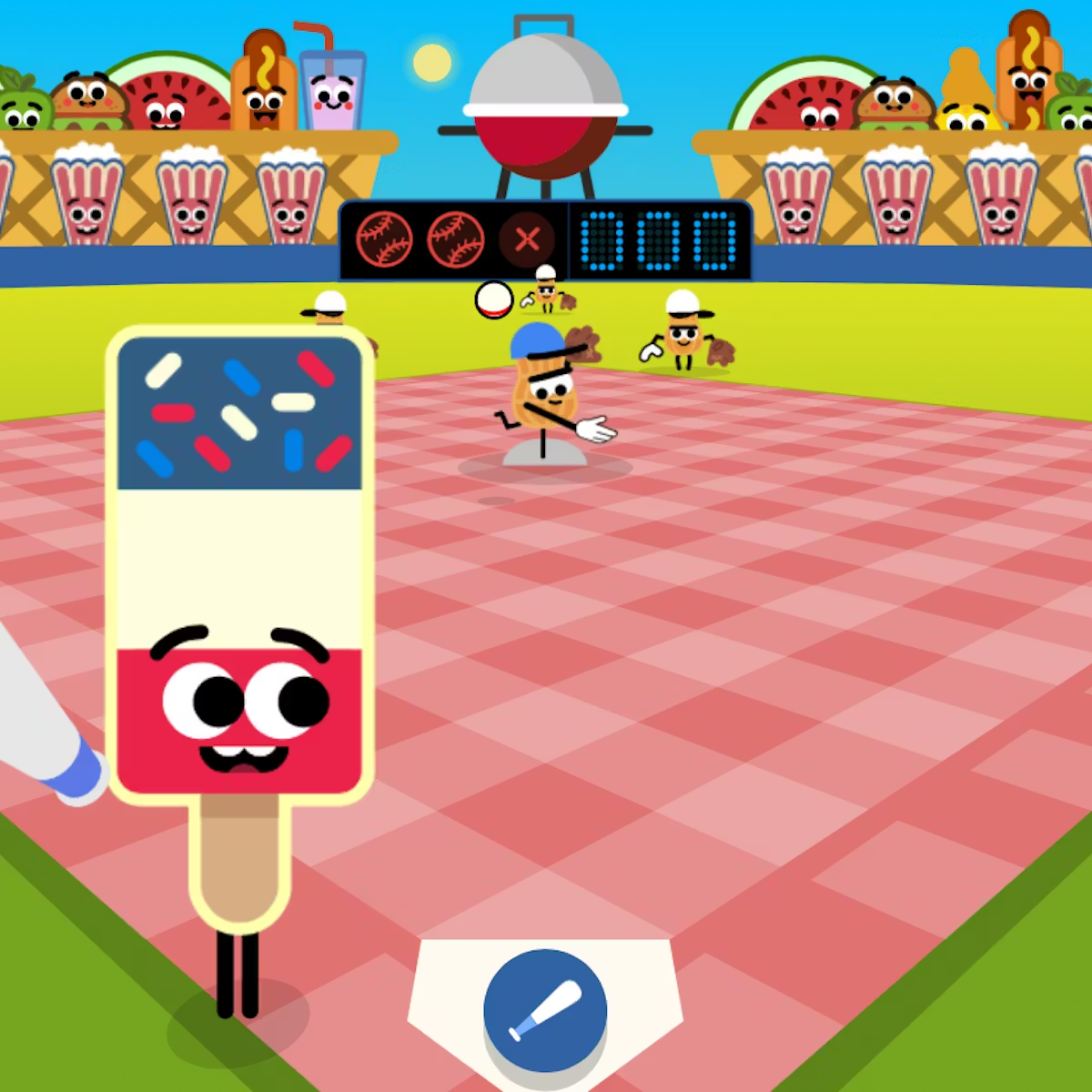
Doodle Cricket is one of Google's most beloved browser games, originally launched in 2017 to celebrate the ICC Champions Trophy. The game puts you in the role of a small cricket insect — armed with a bat and a dream — facing off against a team of cheerful snail bowlers on a beautifully illustrated field. The goal is simple: time your tap or click perfectly to hit the ball and score as many runs as you can before getting out.
What makes Doodle Cricket special is how easy it is to pick up but how satisfying it is to master. One game takes under two minutes, yet players consistently come back to beat their personal best. Whether you're a die-hard cricket fan or someone who has never watched a match in your life, this game is instantly fun. Play it right here — no download, no login, completely free.
Since its debut in 2017, Doodle Cricket has been played by millions of people across the world — and there are some very clear reasons why it keeps pulling people back.
First, the controls are completely frictionless. You don't need a tutorial, a manual, or any gaming experience. You see the ball, you tap, you hit. That single-input mechanic is the whole game — and yet the timing challenge keeps it interesting far beyond the first few attempts.
Second, the visual design is genuinely charming. The hand-drawn animation style, the expressive cricket character, and the snail bowlers with their tiny expressions create a world that feels warm and playful rather than competitive or stressful. It's the kind of game that makes you smile just by looking at it.
Third, it works on every device without any setup. Whether you're on a phone during a lunch break, a tablet on the couch, or a desktop at home, Doodle Cricket loads instantly in your browser and plays exactly the same way everywhere. No app download, no account creation, no ads interrupting the gameplay itself.
Finally, the competition with yourself is addictive. There's no multiplayer, no leaderboard — just you versus your last score. That one-more-try feeling is exactly what has made this game a permanent part of internet culture years after its original release.
Visit doodlecricket.org on any device phone, tablet, or computer. No app download, no sign-up, no payment. The game loads directly in your browser. Hit the big green Play Now button and the match begins instantly.

A snail bowler will wind up and release the ball toward your bat. Keep your eyes on the ball's trajectory — it will bounce before reaching you. The timing of that bounce is your key cue for when to swing. Do not click too early or too late.

When the ball is at the right distance from your bat, click your mouse or tap the screen to swing. A well-timed hit sends the ball flying for maximum runs. A mistimed swing results in a miss or a catch — and your innings ends. There are no second chances, so stay focused.

Every successful hit adds runs to your score. The longer you survive, the faster the bowlers seem to come. Your final score is displayed when your innings ends — then it is time to replay and try to beat it. Most players find it impossible to play just once.

Doodle Cricket was created by Google in 2017 as an interactive Google Doodle to celebrate the ICC Champions Trophy — one of cricket's most watched international tournaments. Rather than creating a realistic cricket simulator, Google's Doodle team took a completely different direction: they made the player a cricket insect, facing an army of determined snail bowlers on a cartoon pitch. The result was something instantly loveable and wildly addictive.
The original Doodle appeared on Google's homepage on June 1, 2017, and was accessible to users across the cricket-playing world — India, Pakistan, England, Australia, South Africa, and beyond. Within days, it had been played hundreds of millions of times. Players were sharing screenshots of their scores on social media and challenging each other to beat their runs tally. For a free browser game with no marketing budget, it became a genuine cultural moment.
At doodlecricket.org, we host the game so you can continue playing it anytime — even when it's no longer featured on Google's homepage. We've kept the original gameplay experience intact: same mechanics, same charming art style, same satisfying feeling when you time that perfect cover drive. The game works on every modern browser and every device, so there's nothing standing between you and your next innings.
Whether you discovered Doodle Cricket back in 2017 or you're picking up the bat for the first time today, one thing stays the same — everyone gets out eventually. The only question is how many runs you score before they do.
Scoring big in Doodle Cricket is about one thing: timing. But once you understand how the game works under the hood, you can go from a score of 12 to consistently hitting 80 or even 100+. Here are the tips that actually make a difference.
Many new players click the moment the ball is released by the snail bowler — that is too early. The correct timing is just after the ball bounces off the ground and rises toward your bat. Train yourself to wait for that bounce, then swing. This single adjustment will double your average score.
Around the 30–40 run mark, the game subtly speeds up. Deliveries come in quicker and the snail bowlers mix up their pace. This is where most players get out — not from the difficulty, but from panicking. Take a breath, trust your timing, and do not try to force big hits.
The game has a small but satisfying sound cue when the ball is about to reach the bat. If you are playing with audio on, this sound can actually help you time your shots more consistently than relying on visuals alone. Try it.
While Doodle Cricket works perfectly on mobile, playing on a tablet or desktop gives you a larger visual field, which makes it easier to judge distance and timing. If you want to set a personal best, a bigger screen genuinely helps.
This sounds counterintuitive — you want to score runs, right? But in Doodle Cricket, missing a ball you were never going to hit cleanly is always worse than letting it go. The game does not penalize you for a wide or a no-ball. Only a genuine miss ends your innings, so be selective.
Players have reported scores well above 200 runs in the original Google version. On our version at doodlecricket.org, the game follows the same mechanics, so skilled players can reach those same heights. Can you beat 100 today? Share your score with friends and challenge them to top it.
Doodle Cricket runs entirely in your web browser, which means the device and browser you choose can genuinely affect how smooth and responsive the game feels. When timing is everything, even small differences matter. Here is what works best.
| Device | Best Browser | Performance | Best For |
|---|---|---|---|
| Windows PC / Laptop | Chrome or Edge | Excellent | High score attempts |
| Mac / MacBook | Chrome or Safari | Excellent | High score attempts |
| iPhone (iOS) | Safari | Excellent | Quick mobile sessions |
| iPad | Safari or Chrome | Excellent | Relaxed play sessions |
| Android Phone | Chrome | Very Good | Quick mobile sessions |
| Android Tablet | Chrome or Firefox | Very Good | Relaxed play sessions |
Doodle Cricket is a free online cricket game originally created by Google in 2017 to celebrate the ICC Champions Trophy. Players control a cricket insect character that bats against a team of snail bowlers, tapping or clicking to hit the ball and score as many runs as possible. The game is available to play directly in any web browser without downloading anything or creating an account.
Doodle Cricket was created by Google's Doodle team and published on June 1, 2017, to coincide with the ICC Champions Trophy cricket tournament. It was part of Google's long-running tradition of publishing interactive Doodles that celebrate cultural events, sporting milestones, and significant anniversaries on its search homepage.
Yes, Doodle Cricket is completely free to play. You do not need to pay anything, create an account, or sign up for any subscription. Simply visit this page and click the Play button — the game loads instantly in your browser.
Playing Doodle Cricket is very simple. Click the Play button to start your innings. When the snail bowler delivers the ball, click or tap your screen at the right moment to swing the bat and hit the ball. The key is timing — click slightly before the ball reaches you for the cleanest hits. Keep hitting to score runs and see how high you can go before getting out.
Yes, Doodle Cricket works smoothly on mobile phones, tablets, and desktop computers. The tap-to-hit mechanic feels very natural on touchscreens. For the best mobile experience, use Safari on iPhone or iPad, and Chrome on Android devices.
No download is needed at all. Doodle Cricket runs entirely in your web browser — just visit this page and click Play. This also means the game works on school Chromebooks, work laptops, and other devices where installing software is not permitted.
The snail bowlers were a creative choice by Google's Doodle designers to make the game feel playful and accessible to everyone, not just cricket fans. The visual contrast between the small cricket insect batter and the determined snail bowlers adds charm and humour to the game, making it immediately likeable even to people who know nothing about cricket.
Yes, Doodle Cricket is completely safe for children of all ages. The game has no violence, no inappropriate content, no in-game purchases, no chat features, and no social elements. It is a simple, joyful game with colourful animations that children enjoy as much as adults.
When you miss the ball, your innings ends and the game displays your final score on screen. You can restart immediately and try to beat your score. Most players find themselves restarting quickly — the one-more-try nature of the game is a big part of what makes it so engaging.
Yes, you can restart the game anytime after your innings ends. Simply click to start a new game and try to beat your previous score. Most players enjoy replaying it multiple times in a row to improve their timing and push their personal best higher.
The game does not save scores permanently between sessions. Each time you open or refresh the page, scores reset to zero. If you want to track your personal best, note it down or take a screenshot of your score screen before restarting.
Yes, an internet connection is required to load and play Doodle Cricket on this site. Unlike Google's Chrome Dinosaur Game which works offline, Doodle Cricket is a hosted browser game that needs to load from the server each session.
Doodle Cricket is popular because it combines three things perfectly: it is immediately easy to understand, genuinely challenging to master, and charming to look at. The one-tap mechanic removes all barriers to entry, while the timing challenge gives experienced players something real to chase. Its cross-device accessibility and zero setup requirement mean anyone can play it anywhere, anytime.
Yes — even though the original Google Doodle from 2017 is no longer featured on Google's homepage, Doodle Cricket is fully available to play right here on doodlecricket.org at any time. Just scroll up and click Play Now.
No, Doodle Cricket is not a cricket simulation. It is a casual, arcade-style browser game designed for fun and instant entertainment. You do not need any knowledge of cricket rules, fielding positions, or scoring systems — just good timing and a willingness to keep trying.
There is no official maximum score in Doodle Cricket — the game continues as long as you keep timing your shots correctly. The highest scores reported by players online range from 200 to over 500 runs, though these require very consistent timing sustained over many deliveries. Most players set a personal goal somewhere between 50 and 150 runs. If you can consistently break 100, you are playing at a genuinely high level.
Yes, Doodle Cricket progressively increases the speed and difficulty of deliveries as your score climbs. Most players notice the game feeling significantly faster once they pass 40 to 50 runs. The key to pushing through this difficulty spike is to stay calm, adjust your click timing slightly earlier, and maintain your rhythm rather than panicking or rushing.
Doodle Cricket Unblocked refers to versions of the game hosted on third-party websites like doodlecricket.org, which allow you to play at any time without needing the original Google Doodle page to be active. These sites make the game accessible even on school or workplace networks where Google's homepage features may be restricted, since the game loads from an independent server with no installation required.
Google has not released an official Doodle Cricket app for iOS or Android. The game was designed as a browser experience and plays excellently on mobile devices through Chrome on Android or Safari on iPhone without any dedicated app. Simply visit doodlecricket.org on your phone's browser and tap Play to start instantly.
Both are iconic Google browser games but they work very differently. Google's Dinosaur Game (Chrome Dino) is an endless runner where you tap to jump over cacti, and it famously works offline when you have no internet. Doodle Cricket is a batting game where you time clicks to hit balls from snail bowlers, requires an internet connection to load, and was created specifically for the 2017 ICC Champions Trophy. Both share the one-button mechanic and the addictive one-more-try quality that makes them genuinely hard to put down.